Share
How to Make Your Resume AI-Friendly So It Doesn't Get Rejected Before a Recruiter Sees It
22/07/2026
4 min
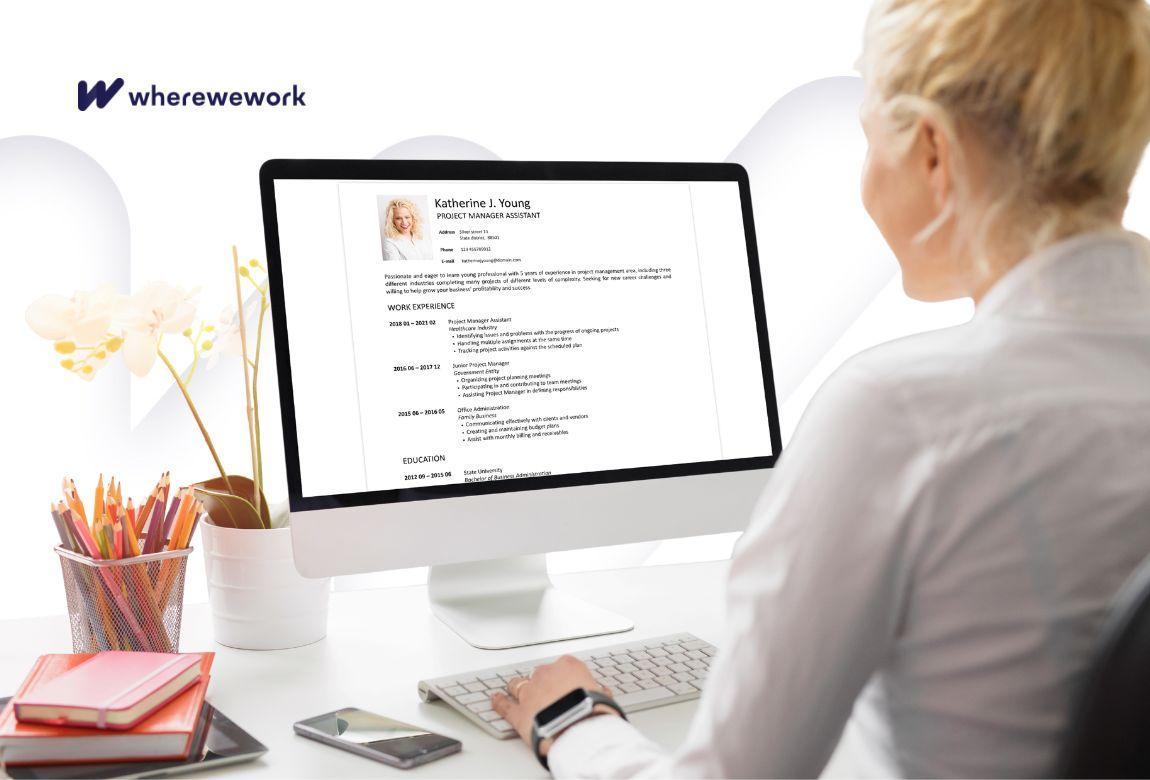
Have you applied to several jobs and received no response? It doesn't necessarily mean your experience or qualifications aren't good enough. In many recruitment processes, your resume is first scanned by an automated system that organizes and identifies relevant information before the document ever reaches a recruiter.
If your resume is difficult to interpret because of its format or structure, some important information may not be read correctly. Fortunately, you don't need to rewrite your entire resume. A few simple adjustments can make it easier to read for both ATS (Applicant Tracking System) software and the recruiters who will review it afterward.
What are ATS systems and how do they work?
ATS systems are platforms used by many companies to organize and review job applications. They identify information such as work experience, skills, education, certifications, and keywords related to the position.
Keep in mind that an ATS doesn't make hiring decisions on its own. In most cases, it helps recruiters manage a high volume of applications and identify candidates whose experience matches the requirements of the role.
Use a simple format
A visually impressive design doesn't necessarily make for a better resume. Multiple columns, text boxes, tables, graphic elements, or complex headers can make it harder for some ATS systems to interpret your document.
The safest approach is to use a simple, single-column layout with clearly defined sections and a consistent structure.
Choose clear section headings
Use standard headings such as:
-
Work Experience
-
Education
-
Skills
-
Certifications
-
Languages
Creative section titles may look attractive, but some ATS systems may not recognize them correctly.
Tailor your resume for each application
One of the most common reasons a resume doesn't closely match a job posting is the use of different terminology.
Read the job description carefully and, whenever it accurately reflects your experience, use the same wording for skills, software, certifications, and responsibilities.
Rather than adding as many keywords as possible, focus on describing your experience using language that closely matches the job posting.
Highlight achievements, not just responsibilities
Recruiters want to understand not only what you did, but also the impact of your work.
Instead of: "Responsible for managing projects."
Write: "Coordinated the implementation of 15 projects that were completed on schedule."
Or instead of: "Handled marketing campaigns."
Write:
"Contributed to organic traffic growth and improved digital campaign performance through continuous analysis and optimization."
Specific examples help both recruiters and ATS software better understand your experience.
Don't rely on graphics for important information
Skill bars, icons, charts, and infographic-style resumes may look modern, but some ATS systems cannot interpret graphic elements.
Make sure that important information, including your contact details and skills, also appears in plain text.
Use both full terms and abbreviations
If a skill is commonly known by an abbreviation, include both versions.
For example: Search Engine Optimization (SEO) or Customer Relationship Management (CRM)
This increases the chances that your skills will be identified regardless of how they are searched.
Keep dates and work history consistent
Use the same date format throughout your resume and list your experience in reverse chronological order, starting with your most recent position.
This makes your resume easier to review for both recruiters and ATS software.
Choose the right file format
Unless the job posting specifies otherwise, a Word (.docx) file or a text-based PDF is usually the safest option.
Avoid scanned documents or image-based PDFs, as they may be difficult for ATS software to process correctly.
Don't overuse keywords
Include relevant skills naturally when describing your work experience.
Repeating the same keywords excessively doesn't improve your resume. In fact, it can make it more difficult to read.
Review your resume before submitting it
Before every application, make sure that:
-
the layout is clean and easy to read;
-
your contact information is accurate;
-
your work experience is up to date;
-
relevant skills are included naturally;
-
there are no spelling or formatting mistakes;
-
the file is saved in the format requested by the employer.
Spending a few extra minutes reviewing your resume can make the difference between a document that is easy to evaluate and one that creates unnecessary obstacles from the very first stage of recruitment.
A well-structured resume is only the first step
A well-organized resume improves the chances that your experience will be evaluated accurately, but it is only one part of a successful job application. Before applying, take time to learn more about the company, its recruitment process, and its work environment. This information can help you tailor your application and prepare more effectively for the next stages.
Conclusion
An ATS-friendly resume doesn't make your application less authentic. It simply makes your experience easier to understand for both automated systems and recruiters.
You don't need to rewrite your resume from scratch before every application. Instead, review the format, adapt your wording to match the job description where appropriate, and make sure your experience, skills, and achievements are presented clearly.
A well-structured resume can help you move to the next stage of the recruitment process. Preparing for interviews and learning more about the company are the next important steps toward a successful application.
Frequently Asked Questions (FAQ)
Does this mean I should write my resume only for ATS software? No. A good resume should be easy to read for both ATS software and recruiters. Clear, relevant, and well-organized information remains the most important factor.
Is ATS software only used by large companies? No. Organizations of all sizes increasingly use recruitment platforms that include ATS features to organize and review applications more efficiently.
Should I use the same resume for every application? It's a good idea to tailor your resume to each role by adjusting the way you describe your experience and skills while keeping all information accurate.
Is it better to send my resume as a PDF or a Word document? If the employer doesn't specify a preferred format, a Word (.docx) file or a text-based PDF is generally the safest choice.
Can I use a modern resume template? Yes, as long as the important information is presented clearly and the design doesn't rely heavily on columns, graphics, or images.
How can wherewework help before I apply? Before submitting an application, it's helpful to understand more about the company and its work environment. On wherewework, you can read employee reviews, explore salary information, and learn about company culture, helping you make more informed decisions and prepare better for the recruitment process.
Share
What I read is worth it:
Article written by:
 wherewework.gr

Comments
0 comments
No comments! Be the first to comment on this article!

Access your account and add your comment
CV Resources


Subscribe to the Newsletter
Read articles of interest from wherewework.gr contributors
